B2B Stage Lighting Manufacturer | Custom & Rental Stage Light Solutions

KingKong T3 & BATON Console Tutorial | Program Beam Light Symmetric Circle Graphic Effect

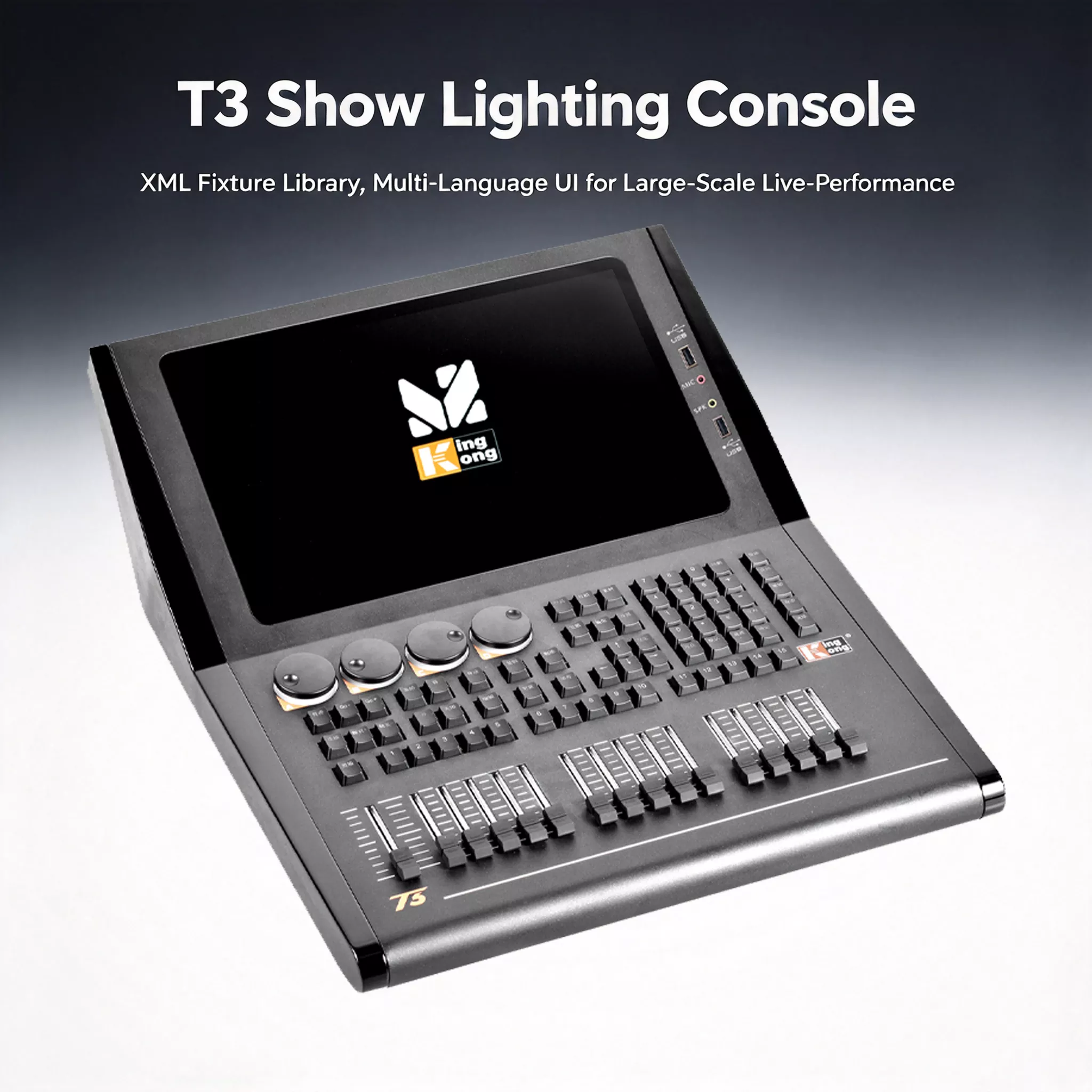
Many lighting technicians for wedding venues and banquet halls use the T3 BATON console graphic programming tutorial lighting consoles. These two consoles share the same operation logic. Master one, and you can operate both smoothly. They come with a built-in graphic generator, ArtNet network output, USB project backup and wireless APP control.
The symmetric circle is one of the most widely used effects for moving beam lights. It works perfectly for show openings and wedding light shows. New operators often encounter unsynchronized or asymmetric lighting movements. Below is the complete step-by-step guide.

1. Fixture Patching & Layout Preparation
Create a new show file and save it to prevent configuration loss. Enter the patch menu, select the matching beam light fixture library and fill in DMX address and line info. Open the fixture layout view and arrange fixtures according to the actual truss layout. Split fixtures into left and right groups. Select all fixtures and click Locate, then adjust home positions to align fixture directions.
2. Two Methods to Create XY Symmetric Circle Graphics
Option 1: Import pre-made graphics from a USB drive Save graphic files to USB, plug it into the console and import directly. This is great for reusing well-tuned lighting effects for repeated events.
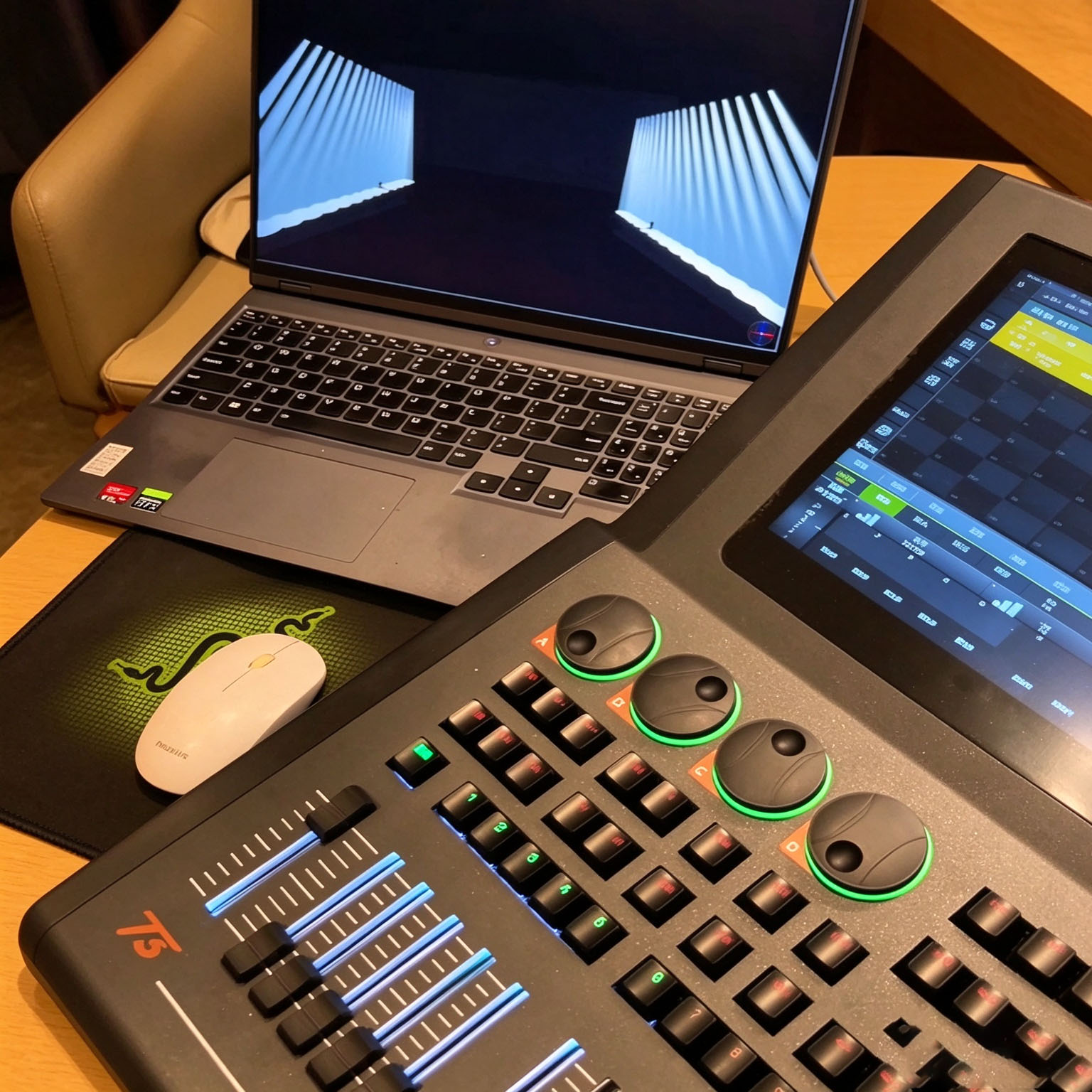
Option 2: Build custom graphics locally on the console (Recommended for on-site tuning) Duplicate the basic circle graphic and rename it for easy identification. Adjust core parameters: speed, high value and low value. Positive and negative high/low values enable reverse symmetric movement of fixtures. Save the graphic to the library for instant recall.
3. Recall Graphics & Adjust Lighting Effects On Site
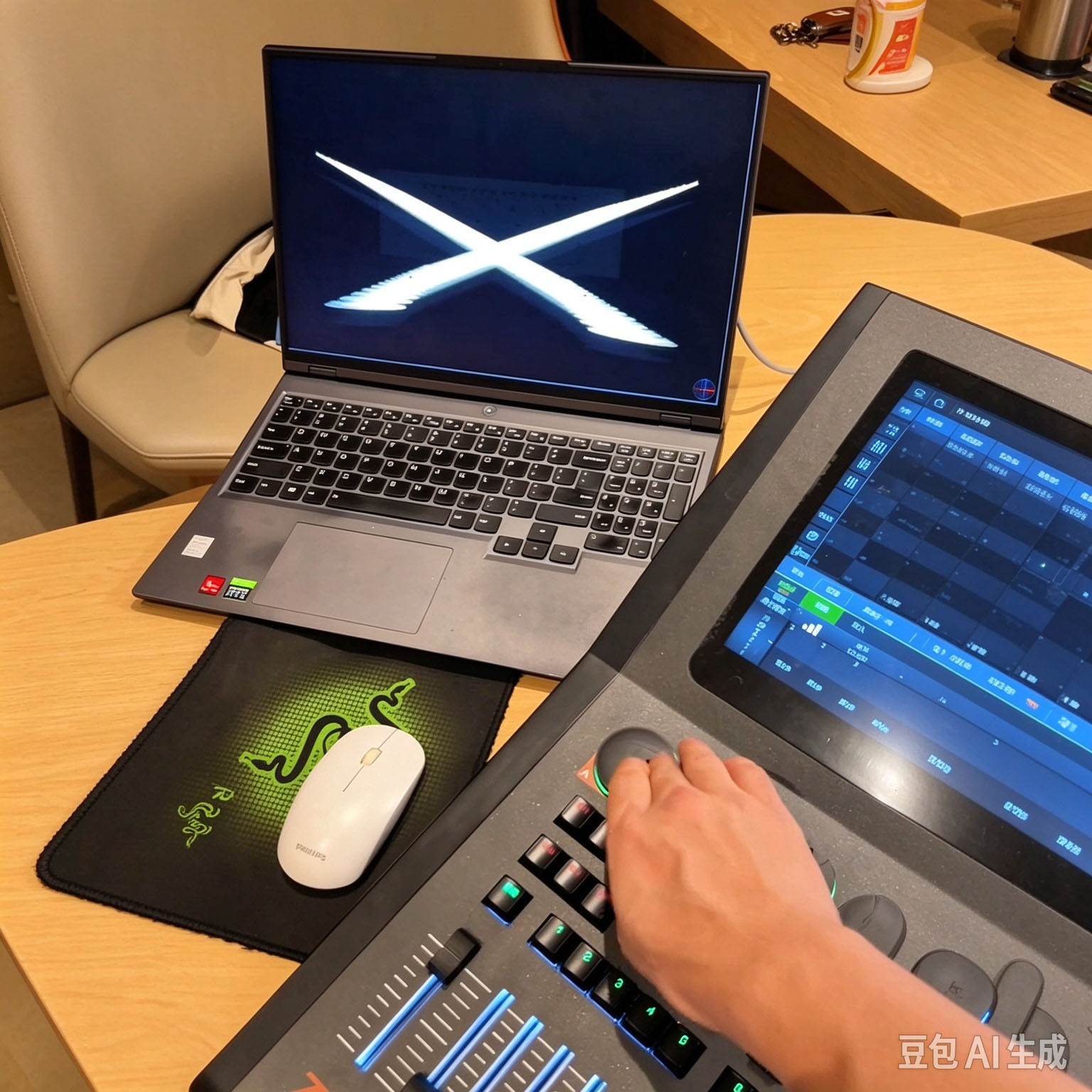
Select the left and right groups of beam lights, then activate your custom symmetric circle graphic. Turn the encoder to adjust speed and control rotation rate. Modify high and low values to change circle radius for different stage distances. Add color, prism and gobo layers to enrich lighting textures.
4. Advanced Skill: Graphic Delay for Sequential Chase Circle
Turn on graphic delay, set delay time and fade time. Store the effect to a playback fader. Keep position and release unused attributes. One single cue can deliver sequential chase effects without manual chase recording.
5. Core Advantages of KingKong T3 & BATON Consoles
- Touchscreen plus physical faders and encoders, easier to learn than traditional DMX240 controllers
- Built-in graphic library: circle, wave, rectangle, sine. Graphics are editable and exportable
- ArtNet network output for stable long-distance lighting signal transmission
- Back up shows, graphics and fixture libraries via USB; files compatible between T3 and BATON
- Wireless APP control via phone or tablet for flexible on-site adjustment
- Large pre-installed library for beam, PAR and COB lights; custom fixture library import supported
6. Common Pitfalls & Tips
- Starting graphics before fixture alignment causes messy, asymmetric movement
- Without positive-negative value pairing, all lights rotate in the same direction with no counter-symmetry
- Unsaved graphics will be lost after rebooting. Always back up graphics to USB
- Locked attributes prevent color or position changes and block new overlay effects
7. Application Scenarios
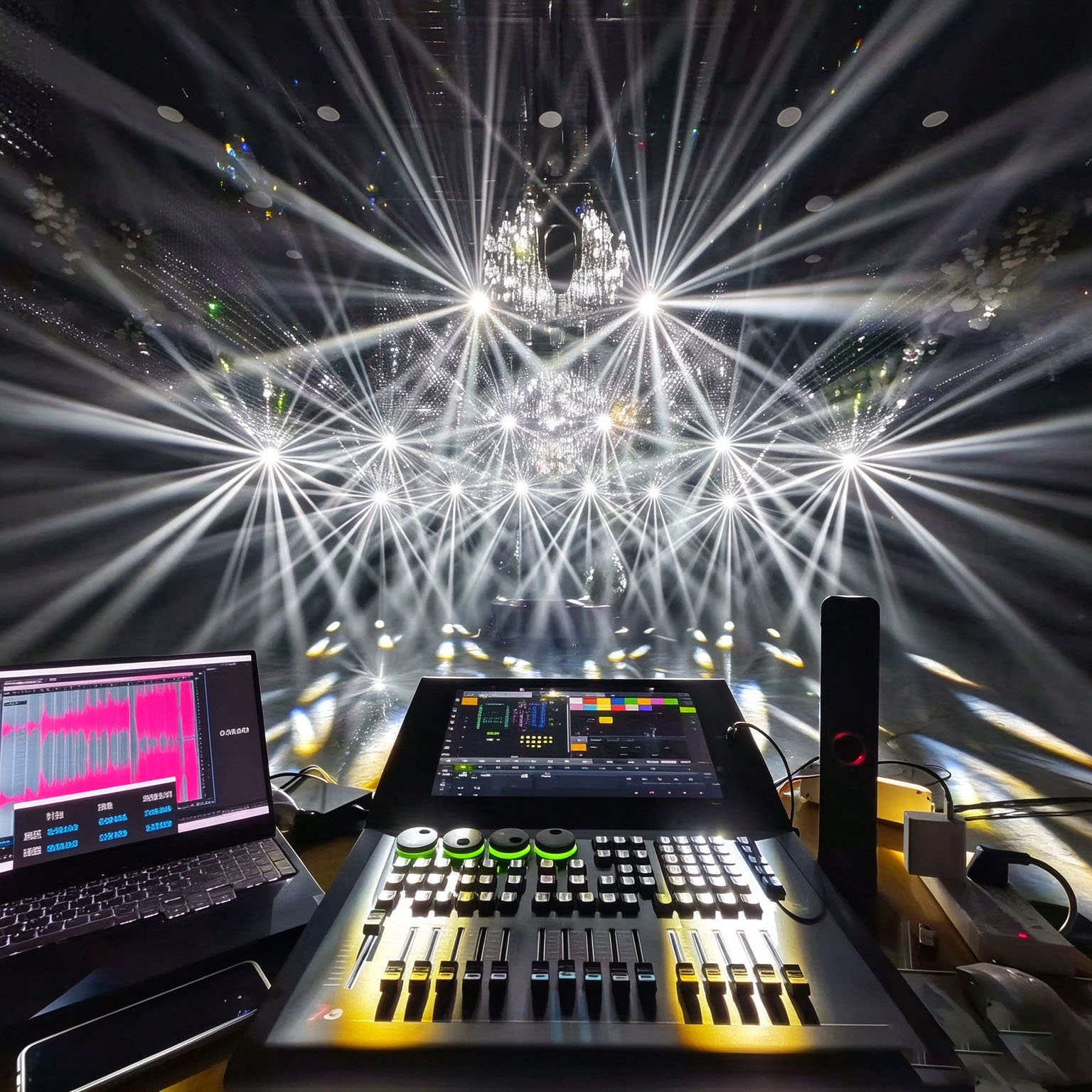
Wedding banquet light shows, corporate annual galas, product launches, nightclubs, commercial shows, small music festivals, DJ parties
FAQ
Q: Does graphic programming work the same on T3 and BATON?
A: The graphic engine logic is identical. This tutorial applies to T3, BATON 1606 and BATON 1616. Only panel layouts differ.
Q: Can graphic files be shared across multiple KingKong consoles?
A: Yes. Export graphics to USB, then import directly on other compatible KingKong touch consoles.
Q: What other graphic effects can be produced?
A: Built-in wave, rectangle, sine and random graphics are available. Combine them with delay and grouping to create chase and sweep effects.